Tabi Quest
Lost in a Japanese station?
Show this card. We'll turn your route into Japanese cards for station staff.
Step 1
Screenshot your route
Google Maps, Jorudan, Yahoo — anything works.
📌 Long route? Add several screenshots in order — start of the route first.
📷 See example screenshots ›
Google Maps
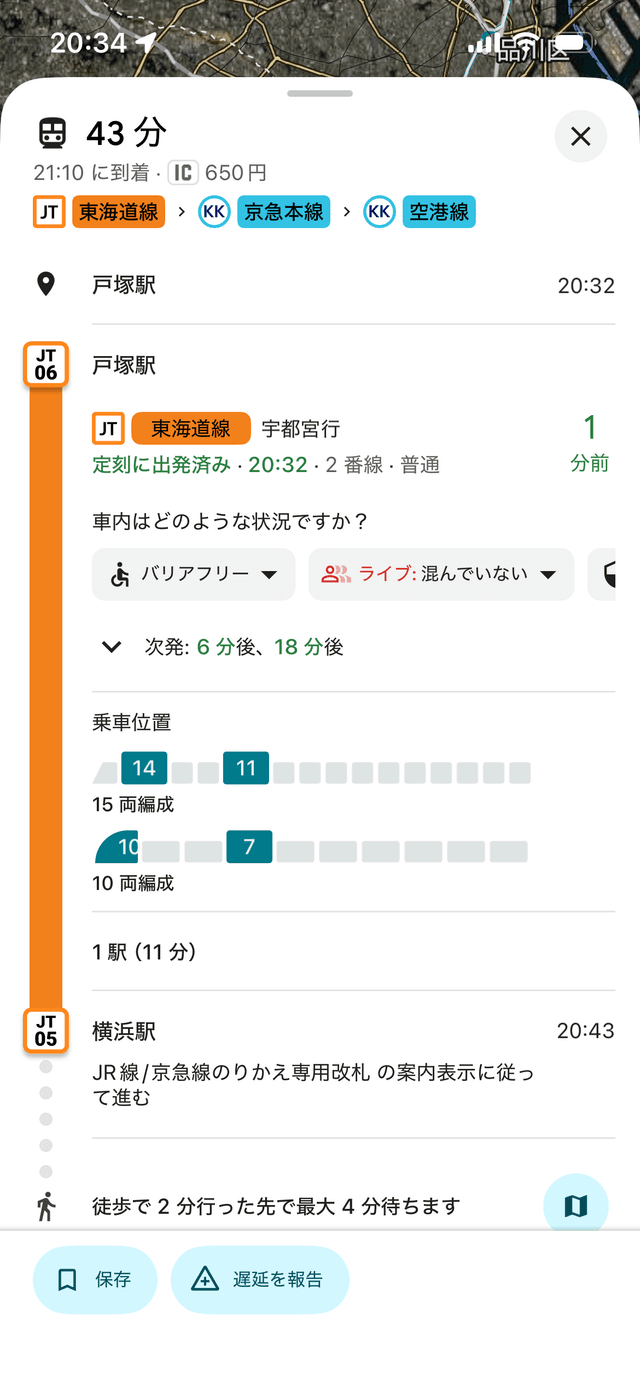
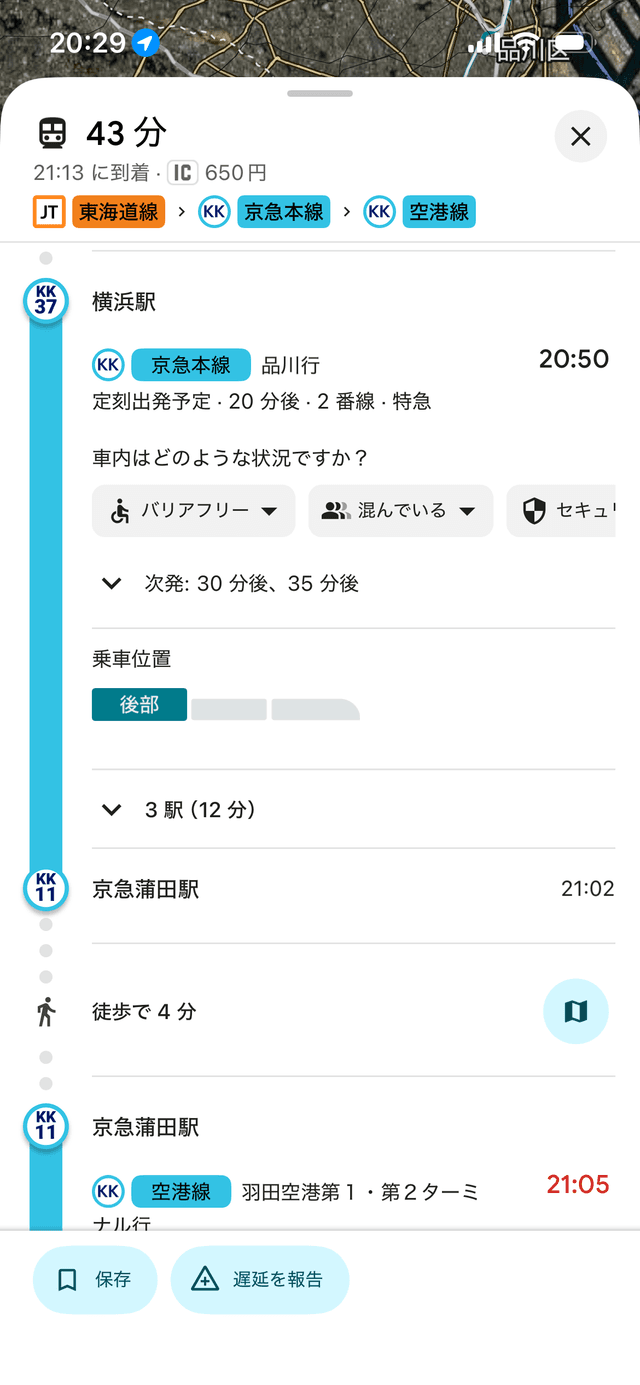
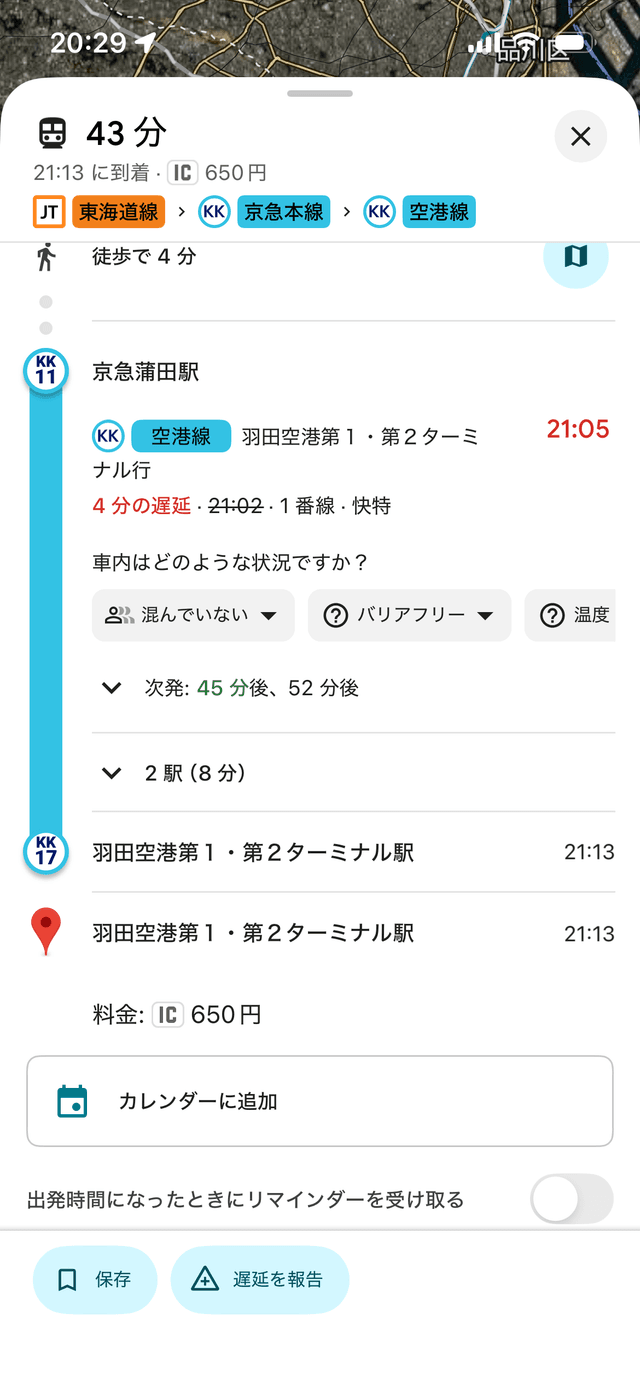
Jorudan (乗換案内)
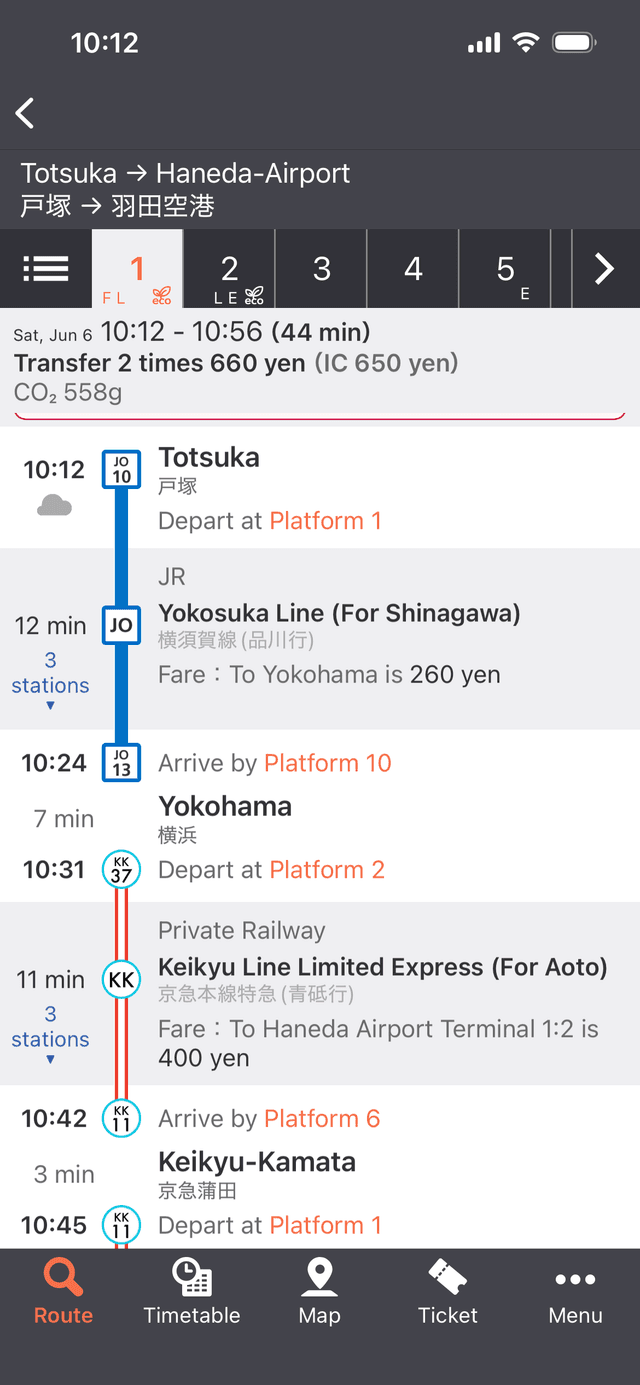
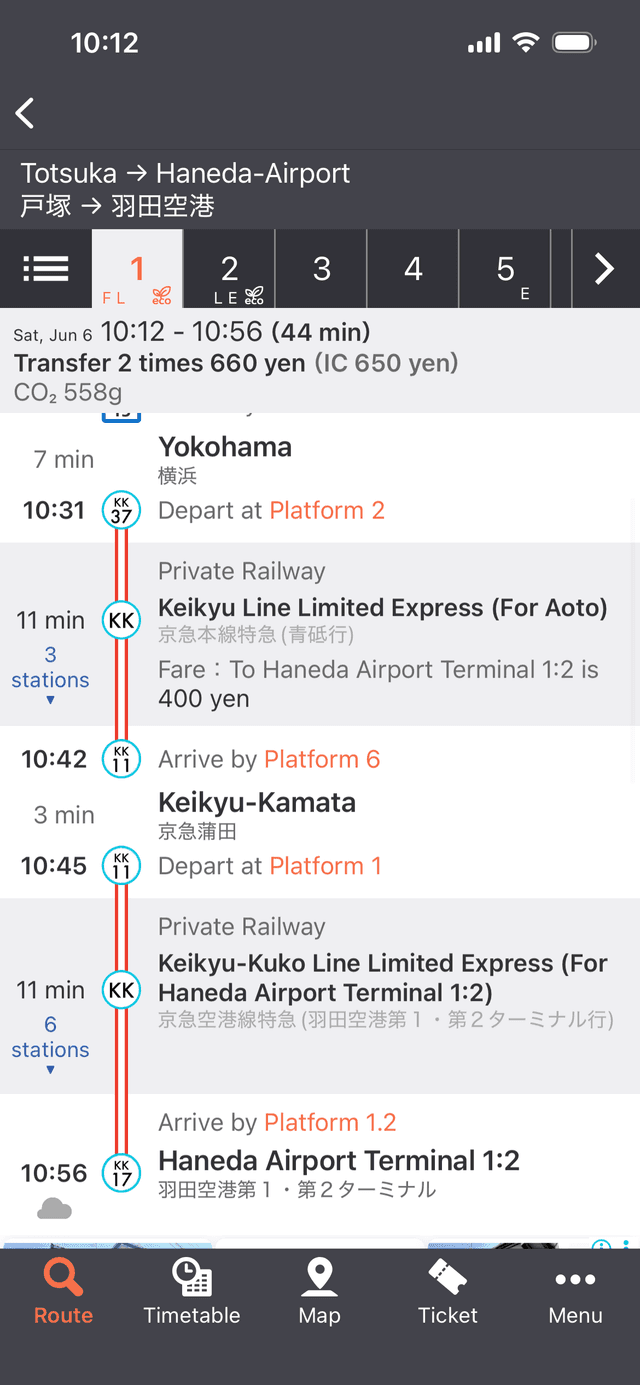
- ✓ Line names visible (JR Yokosuka, Keikyu, etc.)
- ✓ Times shown (10:12, 10:24, …)
- ✓ Platform numbers visible
- ✓ Long route = 2+ screenshots, top of route first
How it works
- 1. Upload your route screenshot(s).
- 2. We make Japanese cards for each step.
- 3. Show a card to staff. They'll point you the right way.
- 4. Tap "Cleared!" and move to the next card.
Used it on a trip?
Tell us what helped and what was confusing.